Recomp
Blog · Best progress photo apps
How I Review Progress Photo Apps
By Mark Stepchin · Published Oct 27, 2026. Tested October 2026.
Why are my reviews different?
Most of the reviews I read when I was looking for an app for myself hadn't downloaded and tested the app. They relied mostly on the App Store listing for their information.
For my reviews, I download the app, set up an account, and pay for the subscription if one exists. I use real photos and weights from my fitness transformation.
Full disclosure: I build Recomp, a free progress photo app.
Who am I?
I've taken progress photos every week since June 6, 2023. During this time, I bulked from 165 to 195 lb from June 6, 2023 to May 21, 2024, then cut to 155 lb from May 21, 2024 to August 18, 2025. You can read more about me on my About page.
Photo comparison kept me confident in my plan and my progress even when I couldn't see the progress in the mirror. Tracking my progress with photos was an essential part of my strategy and my feedback loop.
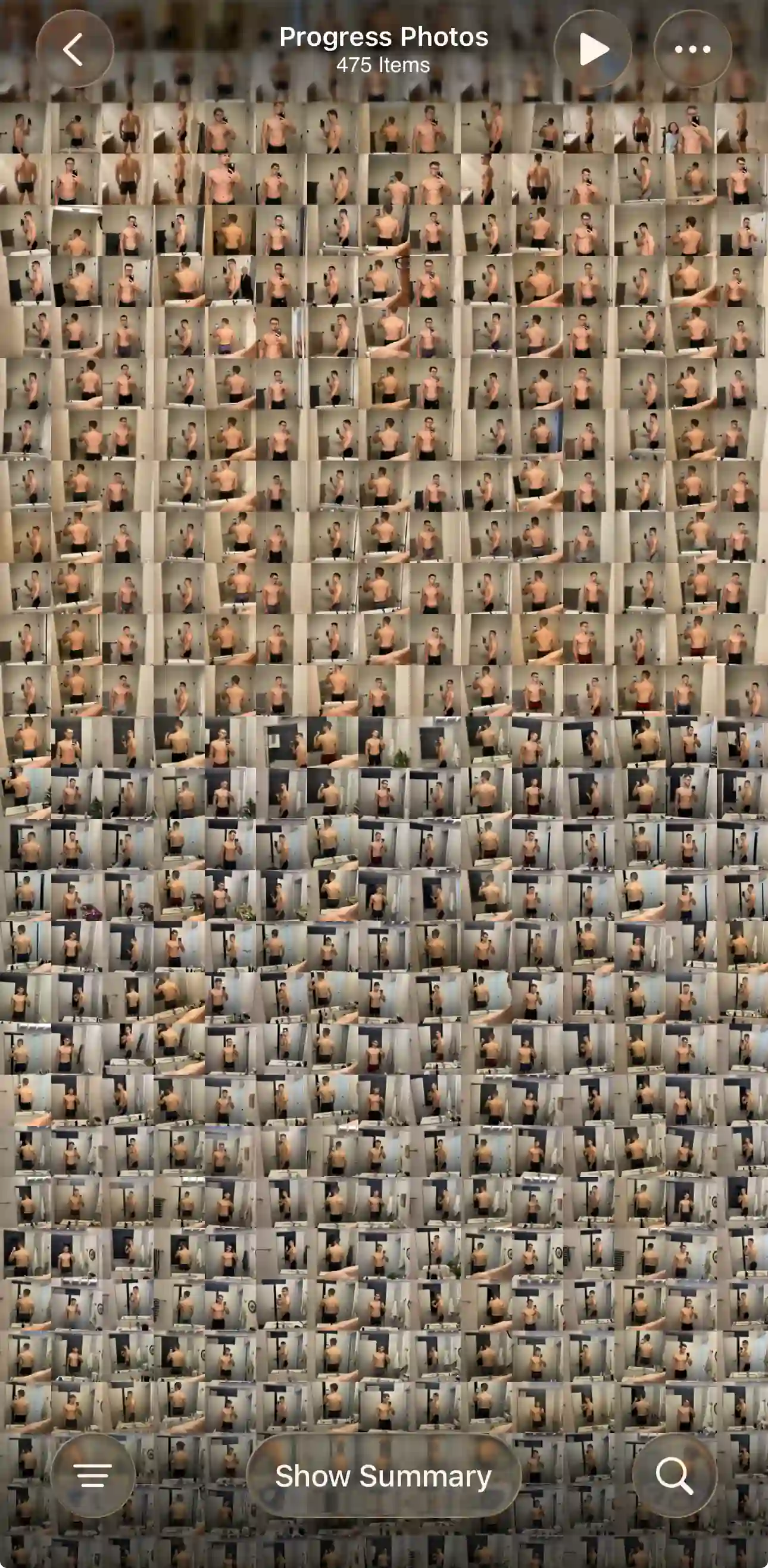
I'd used my trainer's app, so I already knew what I did and didn't need. Today I have a Photos collection with 450+ progress photos from my years of tracking, and it's the library I test every app with.
What does a great user experience look like?
Photos only work as a feedback loop if you take them every week. If a check-in takes more than a minute and a few taps, consistency drops.
My check-in itself takes under 30 seconds. First thing in the morning, I snap my photos with my camera app and weigh myself. As I'm walking over to the coffee machine, I open the notification for my check-in, add the 3 photos, and update the date if it changed.
Then I hit save and compare my results to last week, 2 weeks ago, and a month ago. The whole thing takes a minute or two, including the comparison. Every app I test gets measured against that routine.
What makes a great progress photo app?
A great progress photo app is really four apps in one:
- A great cameral roll app. Photos are front and center. Quick navigation and search that scales to hundreds of photos without performance issues.
- A great photo alignment app, built for fitness. Auto & manual alignment features.
- A good collage app, built for fitness. Side by side, slider, overlay, & timelapse comparison views and sharing features.
- A good data app. Your photos, weight, notes and measurements are stored together, so you can answer questions like "show me every photo where I weighed 185 lb."
All that built on top of your personal fitness database.Photos, weight, notes, and measurements live in one searchable timeline so you can instantly filter questions like "show me every check-in where I was under 180 lbs.
What does a progress photo app need?
Not only should the app have the baseline features outlined in Why I built Recomp, it should do them well. There's quite a range in how well an app does each of these jobs.
1. A check-in should be effortless
A check-in should take minimal taps. Weight should come from a smart scale through Apple Health when that's available. When it isn't, a weight slider is 1 tap plus a drag, which beats typing the weight in. I should be able to select all 3 photos in the same photo picker instead of opening the picker 3 times.
What I measure: how many taps and how much time it takes to add a new check-in.
2. Alignment should be effortless
Different people prefer different approaches to alignment, so the more an app offers, the better. Auto-align technology is fairly advanced, but it can be hit or miss. Even in ideal situations, it will only get you 90% of the way there, so the app needs easy access to manual alignment as well. Manual alignment approaches include a ghost overlay, gridline variations for different photo-taking styles, and alignment in the comparison mode with photos side by side.
What I measure: ease of alignment, gridline quality, whether there's a ghost overlay and auto-align, and whether I can align in the side-by-side view.
3. Comparison should be effortless
I judge how cumbersome the navigation gets with dozens or hundreds of photos. I also check how easy it is to align photos during a compare session.
What I measure: how easy it is to compare, and how long and how many taps it takes to compare several dates in quick succession. Comparing dozens or hundreds of photos should be effortless.
4. The photos are the star
A progress photo app is a photo album app. Photos should be front and center and take up most of the screen. The buttons and any other info shouldn't distract from the main job of the app, which is to display and compare the photos.
What I measure: how much of the screen the photos take, and whether the buttons get in their way.
5. Data privacy
Are your photos ever sent to a third-party server? This is distinct from iCloud backups.
What I measure: whether photos stay on the device, and what the App Store privacy label and privacy policy say.
Quality of life features, if the basics work
- Bulk import: Can I import my past photos in bulk, does it read the dates from the photo metadata, and how does it handle hundreds of photos?
- Data import and export: Can I import my weight from a CSV, get my photos back out, and leave without being locked in?
- Apple Health: Does it sync my weight from Apple Health?
- Screen privacy: Can I lock the app with Face ID or an app lock, and does it hide my photos in the app switcher?
- Backup and a new phone: Are my photos backed up, for example to iCloud, and can I move everything to a new phone?
- Reminders: Can I set the day, the time and how often I get reminded?
- In-app camera: Does it have a camera with a ghost overlay and pose guides, such as upper body, full body and a 3x3 grid?
- Units: Does it support both metric and imperial?
- Body measurements: Can I add body measurements if I want them, without being forced to?
- Sharing: Can I make a shareable before/after image?
- Timelapse: Can it make a timelapse of my photos?
- Account and originals: Does it work without an account, and does it leave my originals untouched in Photos?
- Editing: Can I edit a check-in's date, and save a partial check-in when I skip a pose?
- Polish: Does it have dark mode, and is it free of ads?
How do I test each app?
I run every app through the same 7 steps, using photos from my 450+ progress photo collection.
- Download the app, go through onboarding, and pay for the subscription.
- Add a few check-ins, each with a weight and front, side and back photos.
- Check whether the app reads the date from the photos. If it doesn't, enter each date manually.
- Check whether the app imports health data. If it doesn't, enter the weight manually.
- Test the alignment and comparison features.
- Test the quality of life features.
- Test bulk import if it's available: how long the import takes, and how the app performs with hundreds of photos.
If there's an app you like that you want me to review, email me at support@progressphotos.app.
See the progress buried in your camera roll
Compare progress photos on a before-and-after timeline, scroll to any date instantly, and align photos on the fly. Recomp never uploads your photos or weight data.